
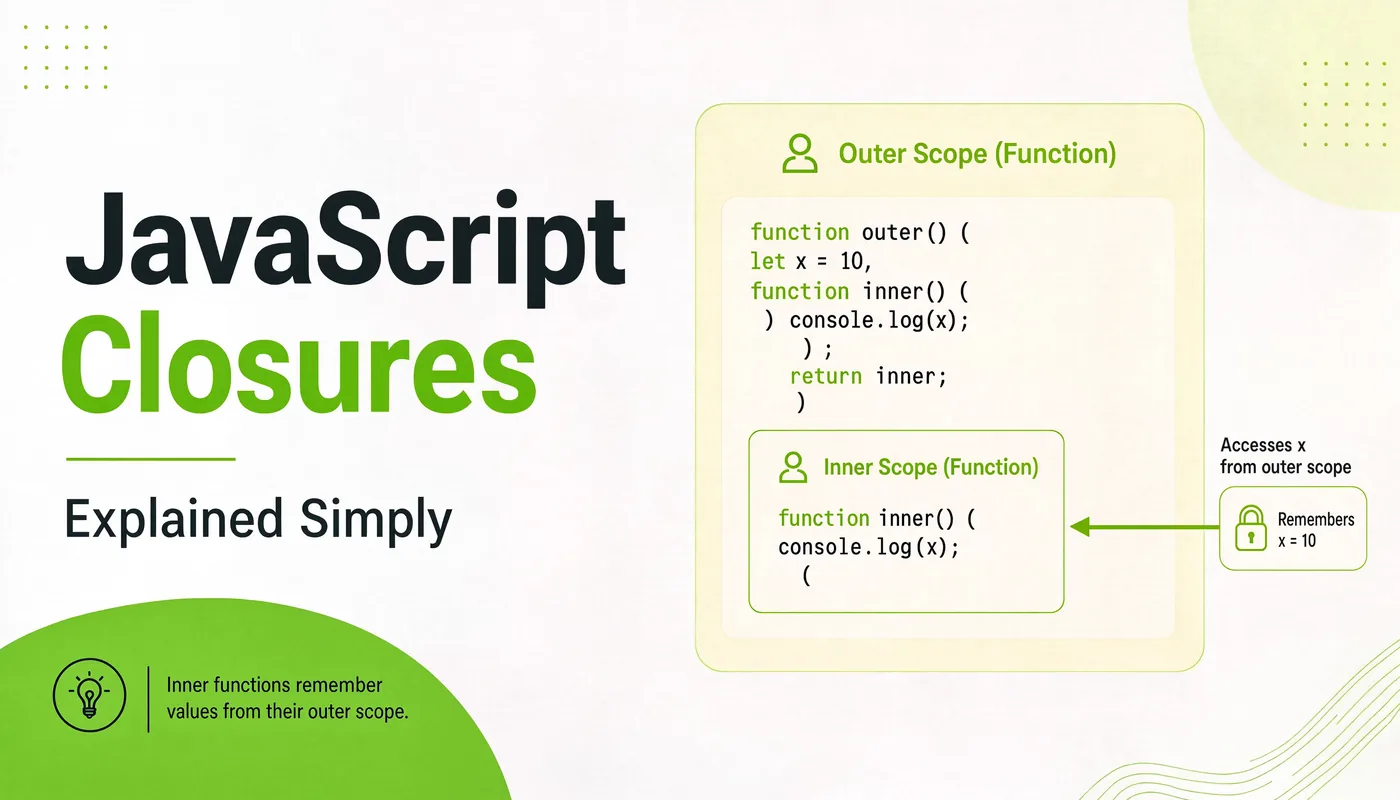
“Closure” is the word that makes beginners feel like frauds. You nod along in interviews, you’ve used them a hundred times without knowing it, but if someone asked you to explain one out loud… awkward silence. Let’s end that today. By the time you finish this page, closures will feel obvious — because honestly, they are. I’m Shivam Thakur, and this is the explanation I wish someone had given me on day one.
First, you need scope
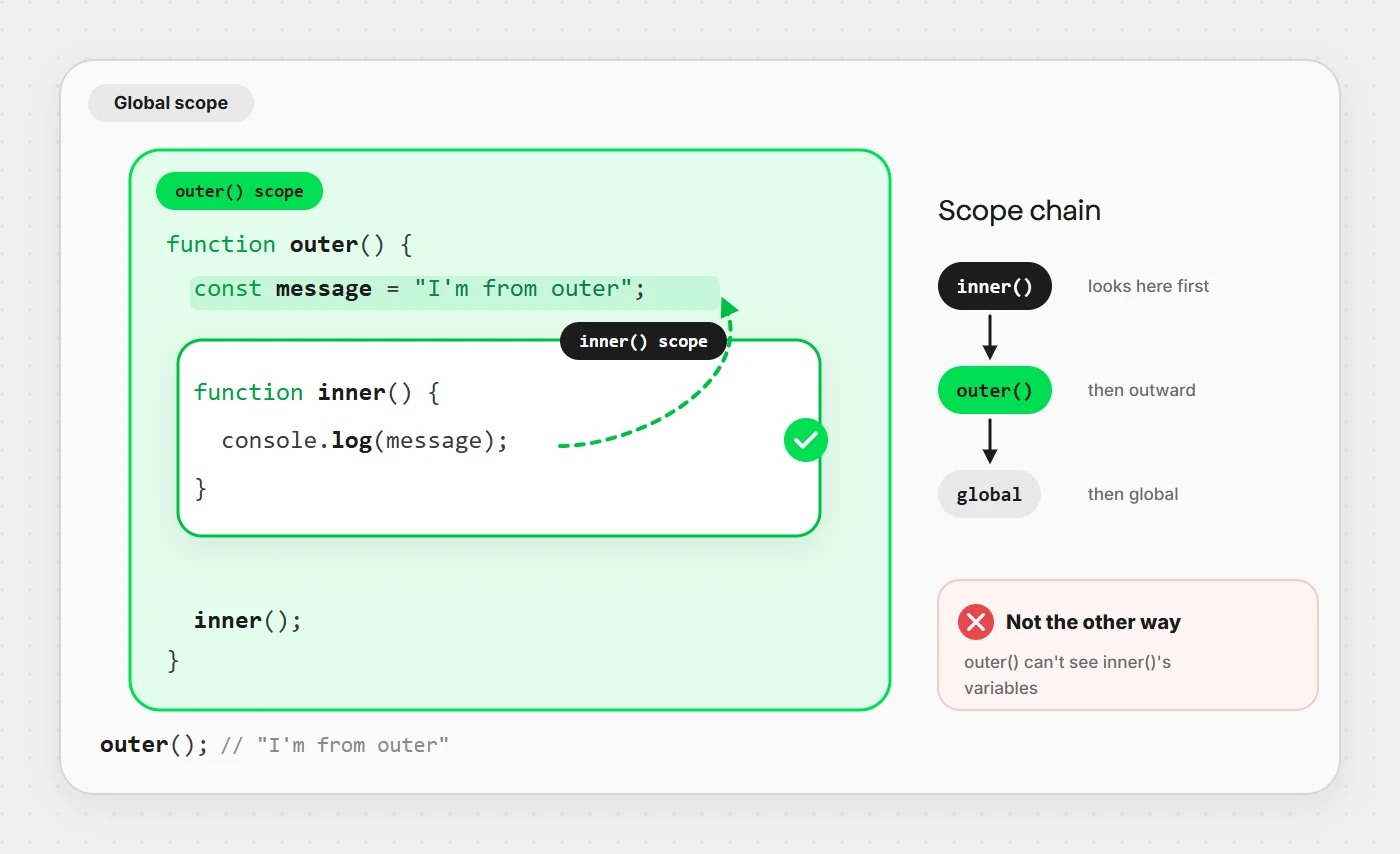
You can’t understand closures without scope — the set of variables a piece of code can “see.” The key rule: an inner function can see the variables of the function that wraps it, but not the other way around.
function outer() {
  const message = "I'm from outer";

  function inner() {
    console.log(message);   // ✅ inner can see outer's variable
  }

  inner();
}

outer();   // "I'm from outer"
This is called lexical scope: a function’s scope is decided by where it is written in the code, not where it’s called from. That one sentence is the whole foundation of closures.
What a closure actually is
A closure is what you get when an inner function keeps access to its outer function’s variables even after the outer function has already returned. The inner function “closes over” those variables and carries them along.
function makeGreeting(name) {
  // `name` lives here
  return function () {
    console.log("Hello, " + name);   // still remembers `name`
  };
}

const greetRiya = makeGreeting("Riya");
// makeGreeting has already finished running...
greetRiya();   // "Hello, Riya"  ← but `name` is still alive!
Read that last line again. makeGreeting finished executing, yet
greetRiya still remembers name. That memory is
the closure. The variable didn’t get thrown away because a function that
needs it is still holding on.
Why closures are everywhere
You’ve already written closures without noticing. Every event handler, every
setTimeout callback, every array method that uses an outside variable
is a closure:
const label = "Clicked!";

button.addEventListener("click", function () {
  console.log(label);   // closure: remembers `label` from outside
});
A common practical use is a counter that remembers its own state between calls — no global variable needed:
function createCounter() {
  let count = 0;
  return function () {
    count++;
    return count;
  };
}

const next = createCounter();
next();   // 1
next();   // 2
next();   // 3   ← the same `count` survives across calls
A closure is just a function remembering where it was born, and the variables it grew up with.
Private variables with closures
Before JavaScript had private class fields, closures were the way to hide data. Anything inside the outer function is untouchable from the outside — only the methods you return can reach it:
function createBankAccount(initial) {
  let balance = initial;   // truly private

  return {
    deposit(amount) { balance += amount; },
    getBalance() { return balance; },
  };
}

const account = createBankAccount(100);
account.deposit(50);
account.getBalance();   // 150
account.balance;        // undefined ← can't touch it directly ✅
balance can only be changed through deposit. No outside
code can secretly set it to a million. That’s data privacy, powered entirely
by a closure.
The classic loop bug (and the fix)
This is the closure interview question, and the bug that’s wasted millions of developer-hours. Watch:
for (var i = 0; i < 3; i++) {
  setTimeout(function () {
    console.log(i);
  }, 100);
}
// Expected: 0, 1, 2
// Actual:   3, 3, 3   😱
Why? Because var is function-scoped — there’s only
one i, shared by all three closures. By the time the timeouts
fire, the loop has finished and i is 3. All three
closures read that same final value.
The fix is beautifully simple — use let:
for (let i = 0; i < 3; i++) {
  setTimeout(function () {
    console.log(i);
  }, 100);
}
// Actual: 0, 1, 2  ✅
let creates a fresh i on every iteration,
so each closure captures its own copy. This is the number-one reason to prefer
let over var — and now you can explain why
in an interview, not just parrot it.
Wrapping this up
A closure is a function that remembers the variables from where it was created. That’s it. Everything else — private state, counters, the loop bug, function factories — is just that one idea applied. You use closures every day; now you actually understand them.
New to the language, or want the full picture first? Start with my complete JavaScript guide for beginners, then come back here. Now go write a counter from memory — that’s how it sticks. 🚀